Parallax
A flat background reads as flat right away; scrolling several layers at different speeds is enough to fake depth, without modeling anything in 3D.
Overview
Parallax is contained in the header "remake2d/parallax.hpp". It's built from a list of Sprites and a list of speed quotients, one per layer, expressed as a percentage speed reduction relative to the full velocity.
Methods
void move(const Vec2d&)     noexcept; // move background
void resize(const Dim2d&)   noexcept; // resize background
void velocity(const Vec2d&) noexcept; // set scroll speed
void linkCamera(const Camera&) noexcept; // scroll with a camera's movement
void update(void)           noexcept; // advance the scrolling by one frame

Dim2d size(void)     const noexcept; // get size
Vec2d center(void)   const noexcept; // get center
Vec2d velocity(void) const noexcept; // get scroll speed
Usage
Creating a parallax
The constructor takes a center, a size, a vector of sprites, and a vector of speed quotients:
Parallax(const Vec2d& center, const Dim2d& size, const std::vector<Sprite>& sprites, const std::vector<u8>& quotients_speed);
sprites: the layers to tile, ordered from furthest to closest.quotients: per-layer speed reduction percentages (0-100): 0 scrolls at the full velocity, 100 keeps the layer fixed.
rmk::Sprite sky("sky.png", {{400, 300}, {800, 600}});
rmk::Sprite hills("hills.png", {{400, 300}, {800, 600}});
rmk::Sprite ground("ground.png", {{400, 300}, {800, 600}});

std::vector<rmk::Sprite> sprites   = { sky, hills, ground };
std::vector<rmk::u8>     quotients = { 80, 40, 0 };

rmk::Parallax bg({400, 300}, {800, 600}, sprites, quotients);
Info
If more quotients than sprites are provided, they're resampled evenly across the available layers.
Scrolling
Velocity sets a constant scroll speed applied every frame, scaled by each layer's speed factor:
Each layer tiles itself automatically once it scrolls off-screen, giving an endless scrolling effect without ever having to reposition anything manually.
Info
Every Parallax is registered in the engine's main loop, so update is called automatically each frame. Calling it by hand is only needed outside of rmk::loop.
Drawing a parallax
#include <remake2d/all/bases.hpp>
#include <remake2d/parallax.hpp>
#include <remake2d/loop.hpp>

int main (void) {
    rmk::Window win;

    rmk::Rectangle rect(win.center(), win.size());

    std::vector<rmk::Sprite> sprites = {
        rmk::Sprite("Layers/1.png", rect),
        rmk::Sprite("Layers/2.png", rect),
        rmk::Sprite("Layers/3.png", rect),
        rmk::Sprite("Layers/4.png", rect),
        rmk::Sprite("Layers/5.png", rect),
        rmk::Sprite("Layers/6.png", rect)
    };
    std::vector<rmk::u8> quotients = { 100, 75, 50, 25, 10, 0 };

    rmk::Parallax bg(win.center(), win.size(), sprites, quotients);

    bg.velocity({-150, 0});

    rmk::loop.execute(win, [&](void) {
        win.fill(bg);
    });

    rmk::loop.update();
}
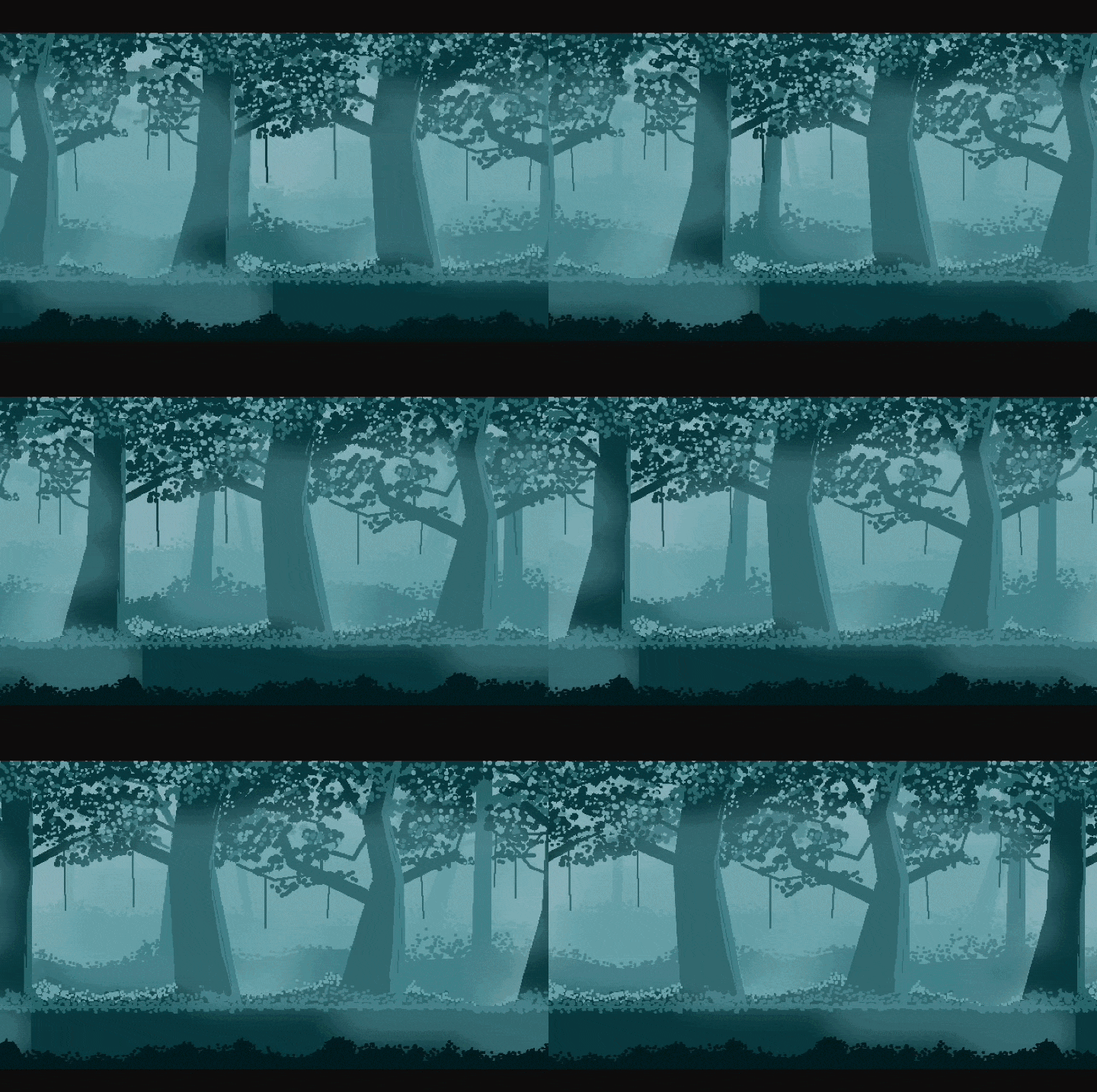
Info
The sprites used above come from the website itch.io.
Linking a camera
A Parallax can read the movement of a Camera and scroll on its own, so the background follows the view without any manual velocity update. linkCamera takes the camera to watch:
Each frame, the camera's offset (how far the view shifted since the last frame) is added to the parallax's own velocity, then scaled by every layer's speed factor. A layer with a quotient of 0 follows the camera at full speed, and a layer with a quotient of 100 stays fixed.
rmk::Camera cam({400, 300}, {800, 600}, {4000, 600});
rmk::Parallax bg({400, 300}, {800, 600}, sprites, { 80, 40, 0 });

bg.linkCamera(cam);
cam.follow(playerShape);

rmk::loop.execute(win, [&](void) {
    win.fill(bg);
});
Info
The link is additive: a velocity set with bg.velocity(...) still applies, so a parallax can drift on its own (clouds, for instance) while also reacting to the camera. Keep the camera alive for as long as the parallax is linked to it.
Lua
The parallax is available in Lua as rmk.Parallax. The sprites and the quotients are given as plain Lua tables, and velocity is both the getter and the setter, depending on whether an argument is passed.
local win = rmk.Window()

local rect = rmk.Rectangle(win:center(), win:size())
local sprites = {
    rmk.Sprite("Layers/1.png", rect),
    rmk.Sprite("Layers/2.png", rect),
    rmk.Sprite("Layers/3.png", rect)
}

local bg = rmk.Parallax(win:center(), win:size(), sprites, { 80, 40, 0 })

bg:velocity(rmk.Vec2d(-150, 0))
print(bg:velocity().x)       -- -150

local cam = rmk.Camera(win:center(), win:size(), rmk.Dim2d(4000, 600))
bg:linkCamera(cam)

rmk.loop:execute(win, function()
    win:fill(bg)
end)
rmk.loop:update()
Property
| Type | Copiable | Movable | Bases and Traits |
|---|---|---|---|
| Parallax | Yes | Yes | Printable, Trackable |